
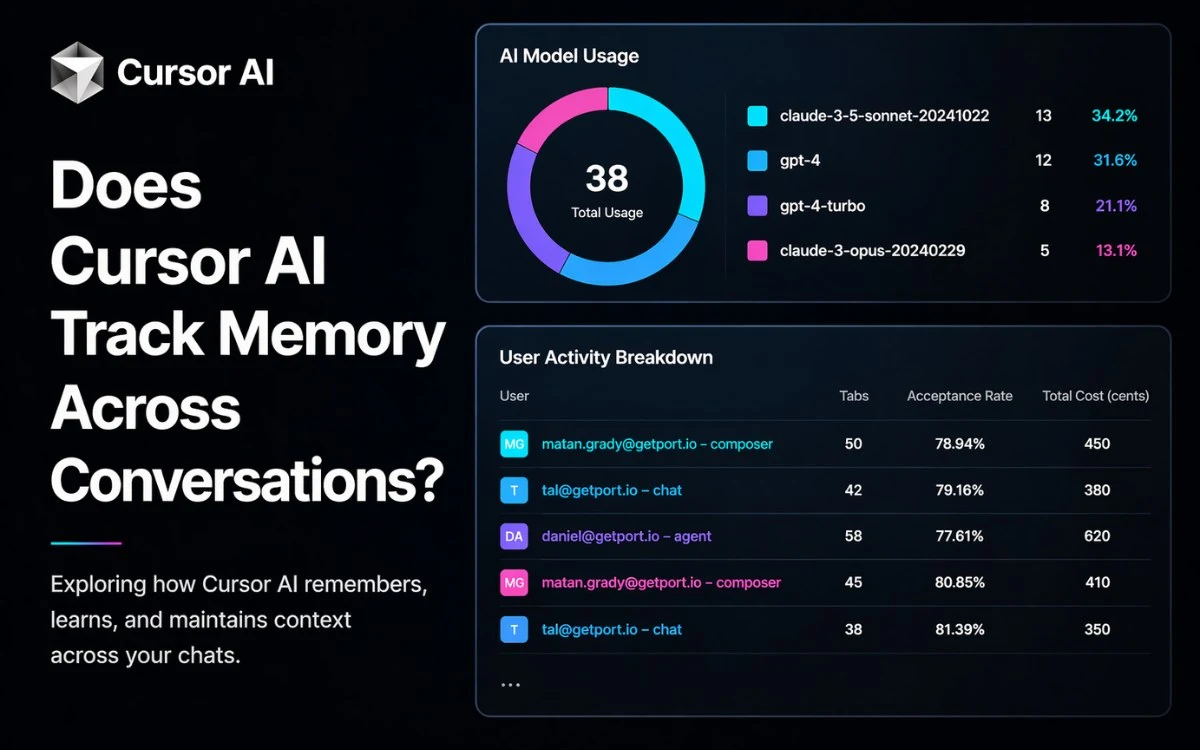

When working inside Cursor AI, one question comes up quickly: does Cursor AI track memory across conversations? This becomes critical when you are building multi-step workflows or working across large codebases.
The confusion usually starts when Cursor appears to “remember” something from earlier. Then suddenly, in a new chat, everything is gone. That inconsistency leads many developers to question how memory actually works.
Here’s the reality. Cursor does not automatically retain memory between sessions. Each conversation starts fresh unless you deliberately structure continuity.
In this guide, I’ll break down what Cursor actually remembers, what it does not, what counts as real persistent memory, and how developers extend it for long-term recall.
Does Cursor AI Track Memory Across Conversations? Overview
Well, not by default, but possible with setup.
Cursor does not provide automatic long-term memory across separate chats. Each conversation runs independently unless you explicitly bring context back in.
However, Cursor does support structured continuity through:
- Rules
- AGENTS.md
- CLI commands like /resume and /compress
This creates a controlled system where continuity is engineered rather than automatic.
The key distinction is simple:
- Cursor does not remember past conversations
- Cursor does apply persistent instruction layers
- Cursor can simulate continuity within workflows
So instead of thinking of Cursor as a system with memory, it is more accurate to treat it as a stateless model enhanced by reusable context layers.
What Cursor Actually Persists For You

Cursor does not store memory like a traditional system. Instead, it persists structured inputs that shape behavior across sessions. These inputs do not contain past interactions, but they ensure consistent outputs when reused correctly.
Rules As Reusable Prompt-level Context
Rules act as predefined instruction layers that apply every time Cursor generates a response. They do not store past conversations. They enforce how the model behaves regardless of session history.
What they are: Rules define instructions such as coding standards, formatting styles, and architectural preferences
Why they are not memory: They do not retain or recall past interactions, only enforce predefined behavior
When to use:
- Coding standards
- Architecture notes
- Workflow instructions
- Repeated patterns
For example, if you define a Rule to always use a specific naming convention, Cursor will follow it in every session without needing reminders.
Project Rules, User Rules, and Team Rules
Cursor organizes Rules into layers based on scope. This allows different levels of control depending on whether you are working solo or in a team.
- Project Rules ensure consistency within a specific repository
- User Rules capture your personal development preferences
- Team Rules enforce shared standards across collaborators
In a real workflow, a backend team might define Project Rules for framework usage, while Team Rules enforce naming conventions. User Rules then customize formatting preferences for individual developers.
This layered approach keeps outputs aligned without repeating instructions in every session.
AGENTS.md As A Simpler Instruction Layer
For cases where Rules feel too structured, AGENTS.md provides a simpler way to maintain consistency. It works as a lightweight instruction file stored directly in your project.
- What it is: A markdown file containing guidance for Cursor
- When it’s useful: Smaller projects or solo workflows
- Where it fits: Quick setup without formal Rule configuration
For example, an AGENTS.md file may include project context, dependencies, and coding guidelines. Cursor uses this file as a reference point when generating responses inside the project.
Cursor CLI Commands That Affect Continuity
Cursor also includes CLI commands that help maintain continuity within workflows. These tools manage session-level context rather than creating long-term memory.
- /new-chat resets all context and starts fresh
- /resume reloads a previous session
- /compress reduces context size to fit token limits
If you pause work and later use /resume, Cursor continues with the same session context. However, this does not extend beyond that specific session.
Also Read: Cursor Vs Claude Code
What Cursor Does Not Do By Default
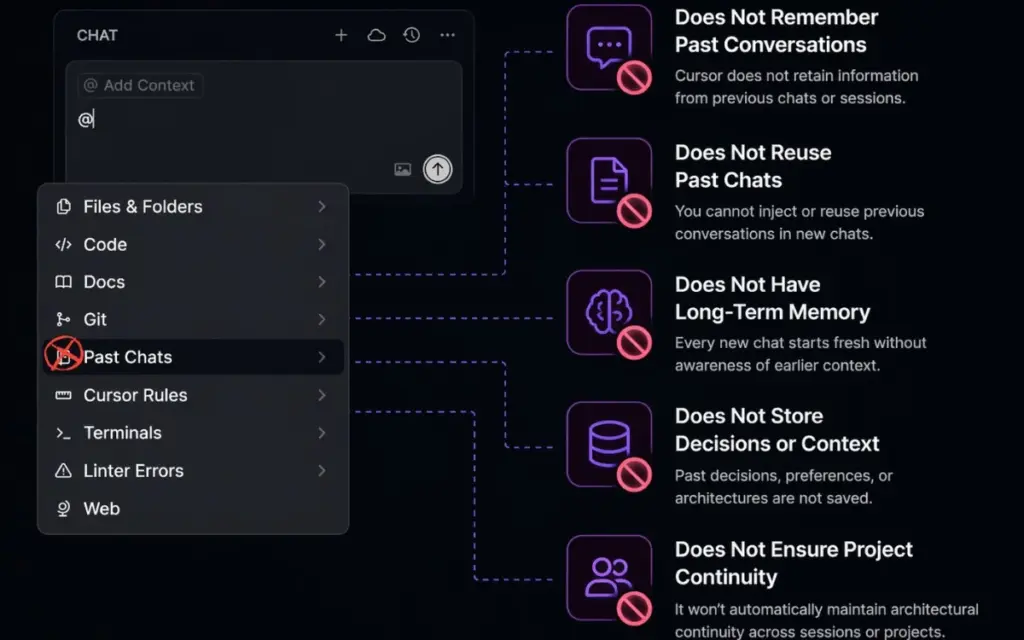
This is where most misconceptions happen. Cursor’s interface shows chat history, which makes it feel like memory exists. In practice, that history is not part of the model’s working context unless you explicitly reuse it.
No Automatic Long-Term Model Memory
Cursor does not retain information across sessions. Every new chat starts without awareness of previous interactions.
- Context must be reintroduced manually
- Only current inputs and active instruction layers are used
- Past decisions are not automatically available
For example, if you describe a system architecture in one session, Cursor cannot recall it later unless you bring it back through Rules, files, or manual input.
Past Chats Are Not Direct Context In 2.0
Cursor previously (Cursor 2.0) allowed easier reuse of past conversations, but that workflow has changed.
- The @Past Chats feature has been removed (source)
- Past conversations cannot be directly injected into new sessions
- Chat history exists only for reference, not active context
The current workaround is exporting chats as markdown and reusing them manually when needed.
Why This Creates Confusion
The confusion comes from how the interface presents information. Chat history is visible, so it feels like the system should remember everything.
- Users assume stored chats equal memory
- Teams expect architectural continuity across sessions
- Larger projects expose repeated context loss
In practice, Cursor behaves exactly as designed. It processes only what is currently available. Once you treat it as a stateless system with structured overlays, the behavior becomes predictable.
Session Context Vs. Persistent Memory
This is where the real misunderstanding happens. Cursor feels like it remembers, but what you’re seeing is session-bound context, not actual memory. Once you separate these two concepts, the system becomes much easier to control.
Session Context
Session context is everything Cursor can access within the current conversation. It includes prompts, responses, and any files or instructions referenced during that session.
- It exists only inside the active chat
- It grows until token limits are reached
- Older context may be compressed or removed
For example, if you are debugging a function, Cursor remembers:
- The error messages
- The code you shared
- The fixes it suggested earlier
But the moment you start a new chat, that entire context disappears unless you reintroduce it.
Reusable Instruction Layers
Since Cursor does not retain memory, it relies on reusable instruction layers to maintain consistency across sessions. These layers act as persistent guidance rather than stored knowledge.
- Rules define behavior and constraints
- AGENTS.md provides lightweight project guidance
- Referenced files supply structured context
- Exported markdown notes act as reusable knowledge
For instance, if you define a logging format in Rules, Cursor will follow it every time. The system is not remembering past usage. It is reapplying instructions consistently.
True Persistent Memory
Persistent memory works differently. It allows information to be stored and retrieved across sessions without manually reintroducing it each time.
- It stores knowledge outside a single chat
- It enables recall across time
- It retrieves context based on meaning, not just keywords
In practice, this means the system can bring back past decisions or patterns without requiring you to restate them in every session.
Real-World Example
Think of this as layers of time-based context working together.
- In a debugging session today, Cursor remembers the issue through session context
- Next week, Rules ensure your coding style stays consistent
- Months later, an external memory system can recall a design decision
Each layer solves a different problem. Together, they create a complete workflow without native long-term memory.
How Developers Add Persistent Memory To Cursor
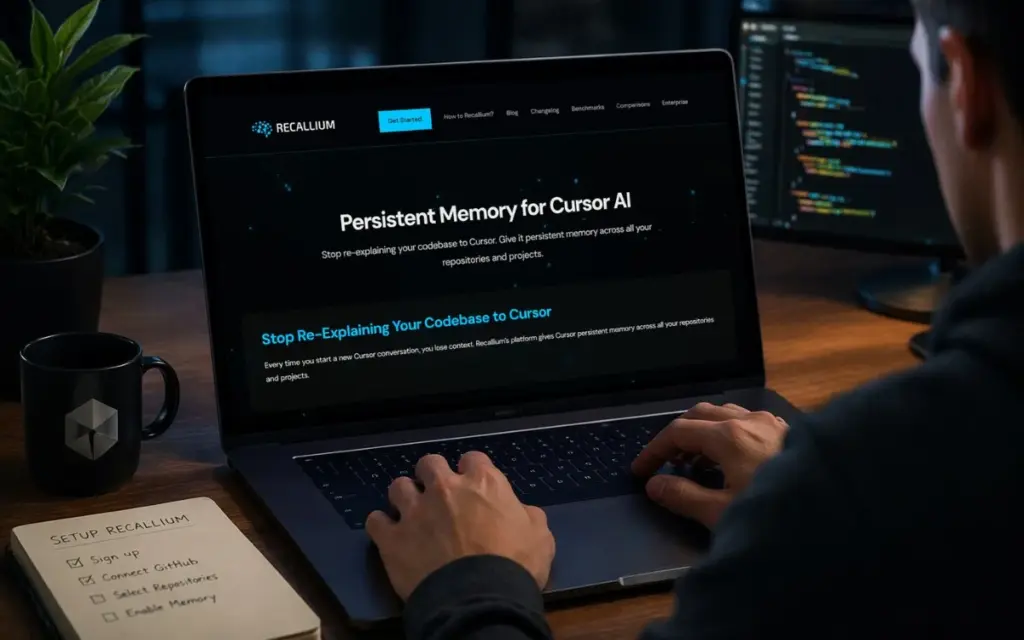
When session context and instruction layers are not enough, developers extend Cursor with external systems. This is where workflows become scalable and efficient.
Keep Structured Memory In The Repo
The simplest method is storing important context directly inside your repository. This approach works well because it fits naturally into existing development workflows.
- Store decisions in markdown files
- Document architecture and constraints
- Use version control for tracking changes
For example, a decisions.md file may include:
- Why a framework was selected
- Known limitations
- Performance trade-offs
Cursor can use these files when referenced, allowing you to maintain consistency across sessions without repeating context manually.
MCP-based Memory Servers
For larger systems, developers move beyond static files and use external memory layers powered by MCP (Model Context Protocol).
- Memory is stored outside Cursor
- Context is retrieved dynamically
- Long-term recall becomes possible
This setup allows Cursor to access relevant information without requiring manual input each time. It effectively introduces real persistent memory into the workflow.
Tools To Extend Cursor Memory
Several tools have emerged to extend Cursor with memory capabilities. These tools provide structured storage and retrieval for long-term context.
Cursor-memory
- Supports commands like /memo, /recall, and /forget
- Enables storing and retrieving structured context
- Provides cross-tool memory
- Allows teams to share and access knowledge across workflows
These tools transform Cursor from a stateless assistant into a system with recall capabilities.
When External Memory Becomes Worth It
Not every project needs external memory. The need becomes clear as complexity increases and repetition becomes costly.
- Long-running projects require historical context
- Repeated context loss slows development
- Teams need shared understanding across sessions
- Architecture-heavy systems depend on consistent decisions
- Token limits restrict large context reuse
At this stage, relying only on session context and Rules is not enough. External memory becomes essential for maintaining efficiency and consistency.
Also Read: Cursor For Web Development
Frequently Asked Questions (FAQs)
Does Cursor AI remember everything from old chats?
No. Cursor does not retain memory across conversations by default. Each session starts fresh, and context must be reintroduced or structured using Rules or external systems.
Can Cursor resume a previous chat session?
Yes. The /resume command allows you to continue a previous session. This restores that session’s context but does not create memory across all future conversations.
Are Rules the same as memory in Cursor?
No. Rules enforce consistent behavior but do not store or recall past interactions. They guide outputs rather than act as memory.
What do teams use when built-in memory is not enough?
Teams often store structured knowledge in repositories or use tools like cursor-memory and Recallium. These solutions provide long-term, searchable memory across sessions.
Final Thoughts
Cursor does not track memory across conversations by default. Each session operates independently, without automatic recall of past interactions.
Instead, it relies on structured continuity:
- Rules and AGENTS.md for consistent instructions
- Session tools for short-term continuity
- External systems for long-term memory
The practical rule is simple. Use built-in tools for consistent behavior. Use external memory when you need reliable recall across time.


Add your first comment to this post