

Are you spending hours writing or debugging SQL queries? Complex joins, legacy code, and migrations can slow down your workflow significantly.
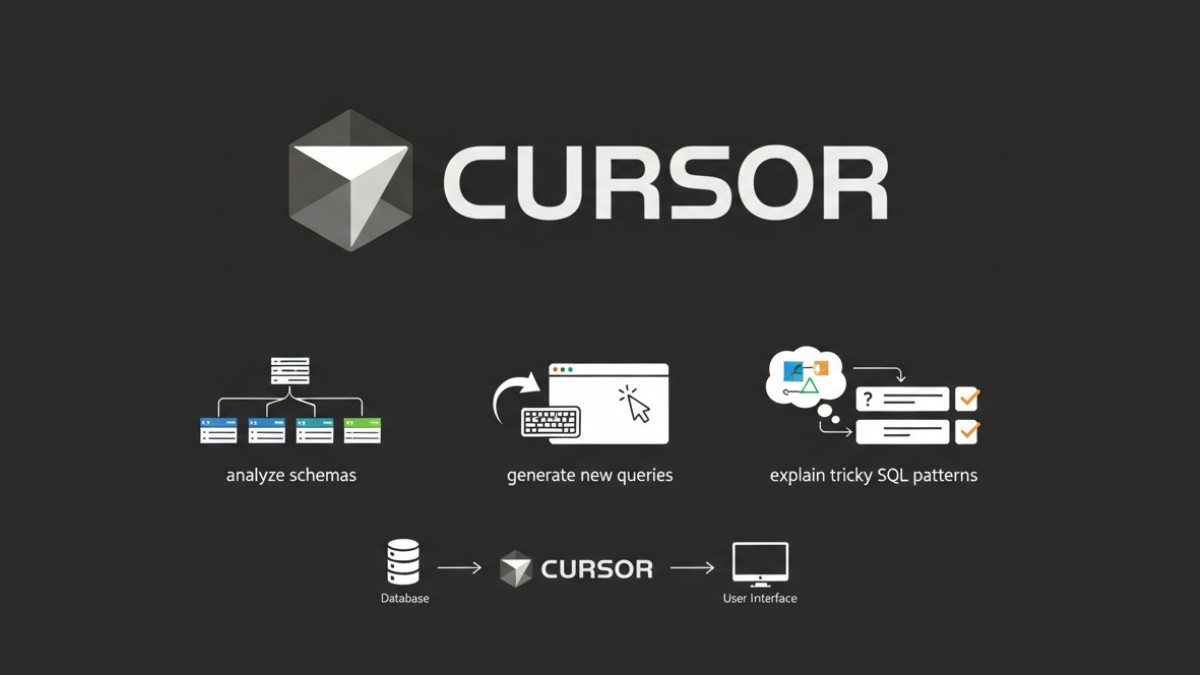
Cursor helps you work faster while keeping full control over your database code. You can analyze schemas, generate new queries, or explain tricky SQL patterns without risking changes you didn’t intend.
In this step-by-step guide, I’ll show you how to use Cursor for SQL and DB workflow. You’ll get actionable templates, mini-checklists, and tips for optimizing queries efficiently.
By the end, you’ll save time, reduce errors, and have a repeatable process to handle both new and legacy database projects.
TL;DR: Using Cursor For SQL and DB
Writing, debugging, and optimizing SQL doesn’t have to be tedious. By organizing your schemas, queries, and migrations, you give context that makes SQL generation and analysis faster.
With Cursor, you can:
- Translate plain-language instructions into structured SQL
- Modify existing queries or optimize slow ones
- Explain complex or legacy queries for clarity
- Identify errors, logical bugs, and performance issues
Always review suggestions, validate results, and maintain security. By combining your expertise with Cursor’s guidance, you save time, reduce errors, and focus on high-value database tasks while handling repetitive or complex operations efficiently.
How To Set Up Cursor For SQL & Database Work

Setting up the Cursor properly is critical to ensure it can assist without confusion. Think of this step as laying a solid foundation. You need to organize your database projects, schemas, and queries in a way that provides the AI with full context. If you skip this, your prompts or code suggestions may become unreliable.
Opening SQL Projects and DB Repos
Begin by opening your SQL project folder or repository in Cursor. Include all essential files, such as schemas, seed data, and migrations, so the tool can reference them correctly.
Organize your files logically. Separate folders for schemas/, migrations/, and queries/ help Cursor understand relationships between tables, fields, and constraints.
Remember, Cursor doesn’t connect to live databases automatically. You provide context by pointing it to relevant files. This ensures you stay in control and minimize risk while leveraging Cursor’s guidance.
Best File Structure For AI Context
A consistent folder structure makes Cursor more effective. Here’s an example layout:
| project-root/ │ ├─ schemas/ │ └─ users.sql │ └─ orders.sql │ ├─ migrations/ │ └─ 20260101_add_index.sql │ └─ 20260102_create_table.sql │ ├─ queries/ │ └─ fetch_orders.sql │ └─ user_stats.sql │ └─ README.md |
Mini Checklist
Schema files included
Migrations accessible
Queries readable and scoped
This structure gives Cursor the context it needs to generate, explain, and optimize queries effectively, even when working with legacy code.
Also Read: How To Use Cursor For R / Data Science?
Writing SQL Queries Using Cursor (Core Workflow)
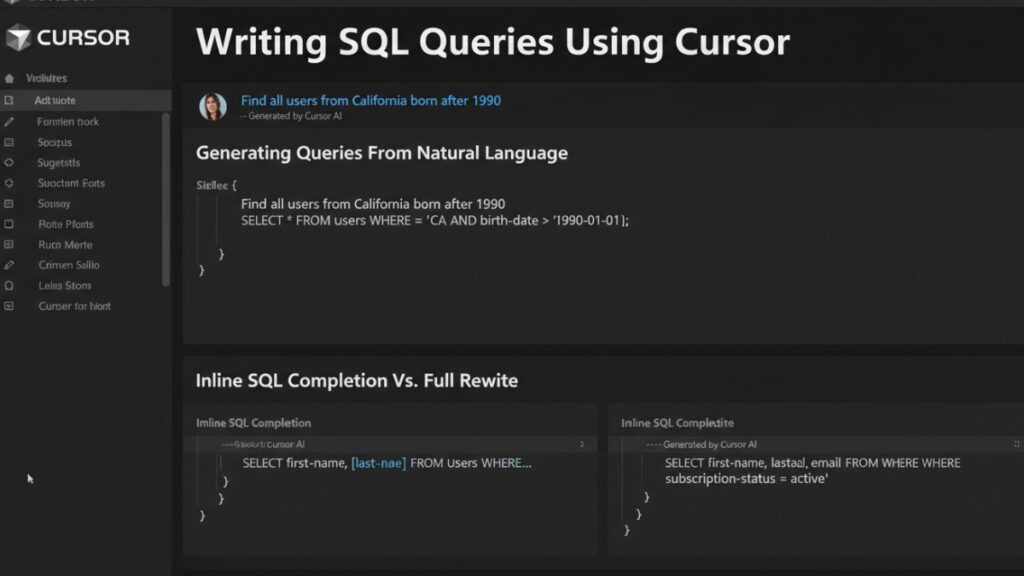
Writing SQL can be tedious, especially when queries get long or involve multiple tables. Cursor isn’t here to replace your expertise; it’s like a helpful assistant that speeds up repetitive tasks and suggests smarter ways to write queries.
The trick is knowing when to let Cursor take the lead and when to double-check its suggestions. You guide it, review the output, and tweak as needed, so the final query is always correct and efficient.
Generating Queries From Natural Language
Instead of manually typing every line of SQL, you can tell Cursor what you want in plain English. For instance, a simple instruction like:
“Fetch all users who placed more than five orders in the last 30 days.”
Cursor can generate a SELECT query with joins, filters, and aggregations.
Step-by-step workflow:
- Highlight the database schema files or relevant tables.
- Write your instructions in plain language.
- Prompt Cursor to generate a query.
- Review the generated SQL for accuracy and efficiency.
This approach reduces manual query writing while still letting you verify logic. You can tweak conditions or add joins after the initial generation.
Modifying Existing Queries
Updating SQL doesn’t always mean rewriting from scratch. Cursor can help refactor or tweak existing queries safely.
Say you have a query that fetches monthly orders, but now you need a weekly breakdown. Highlight the relevant section, describe the change, and Cursor will suggest inline edits.
These suggestions follow your schema structure, which is especially useful when working with legacy queries or large SQL files. You save time while ensuring consistency and accuracy.
Inline SQL Completion Vs. Full Rewrite
Cursor supports both inline SQL completion and full query rewrites. Inline completion is ideal for small adjustments, such as adding a WHERE clause or changing a JOIN condition.
Full rewrite works best when queries are outdated or complex. For example, converting a multi-join query into a more optimized structure.
Tips for workflow:
- Use inline completion for targeted changes.
- Use full rewrite when you need structural improvements or optimizations.
- Always review suggestions and run tests to confirm results.
By combining these methods, you can maintain query readability while improving performance and reducing manual work.
Explaining and Debugging SQL With Cursor
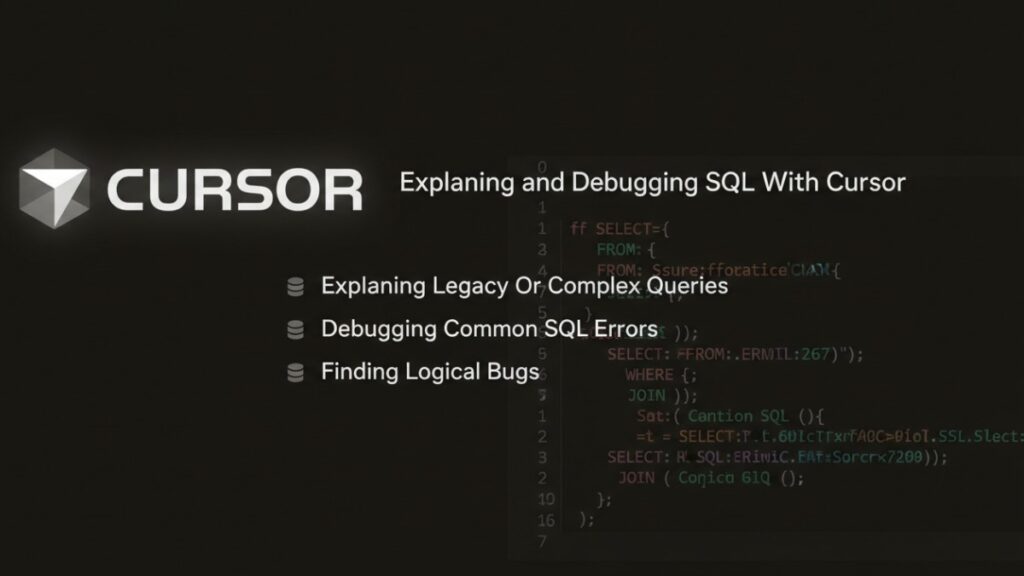
Understanding complex queries and fixing errors can be time-consuming. Cursor can help you analyze legacy SQL, identify bugs, and clarify logic. You remain in control, while it assists with explanation and debugging steps.
You can save hours on troubleshooting joins, nested queries, and aggregation logic.
Explaining Legacy Or Complex Queries
Legacy queries are often hard to read. They may lack comments, use outdated structures, or include multiple joins that make them almost unreadable. Cursor can help you understand them step by step.
Workflow:
- Open the legacy query in Cursor.
- Highlight the section you want explained.
- Ask Cursor to break down the query logic in plain language.
For example, you might have a query joining five tables with multiple CASE statements. Cursor can summarize what each part does, which fields are joined, and why certain filters are applied.
This approach helps you understand queries faster, onboard new team members, or prepare for optimization.
Debugging Common SQL Errors
Cursor also helps pinpoint syntax or runtime issues. Typical problems include missing commas, unbalanced parentheses, or ambiguous column references.
Step-by-step workflow:
- Highlight the query with errors.
- Prompt Cursor to identify potential issues.
- Review each suggested correction carefully.
For instance, if a query fails due to an ambiguous column in a JOIN, Cursor can point out the conflict and suggest qualified column names. Always test changes in a safe environment.
This helps reduce debugging time while keeping you fully responsible for approving fixes.
Finding Logical Bugs
Logical bugs are trickier; they occur when a query runs but returns incorrect results. In these situations, Cursor can help spot inconsistencies in joins, aggregations, or filters.
Workflow:
- Highlight the query and any relevant sample data.
- Ask Cursor to identify potential logical issues.
- Compare results to expected outcomes.
For example, a SUM over a join might accidentally double-count rows. Highlight the query and any sample data, then prompt Cursor to flag potential issues. Compare its suggestions against expected results and adjust as needed.
By combining Cursor’s guidance with your knowledge of the schema, you can catch hidden bugs faster.
Also Read: How To Use Cursor For Bug Fixing?
SQL Query Optimization and Performance Analysis
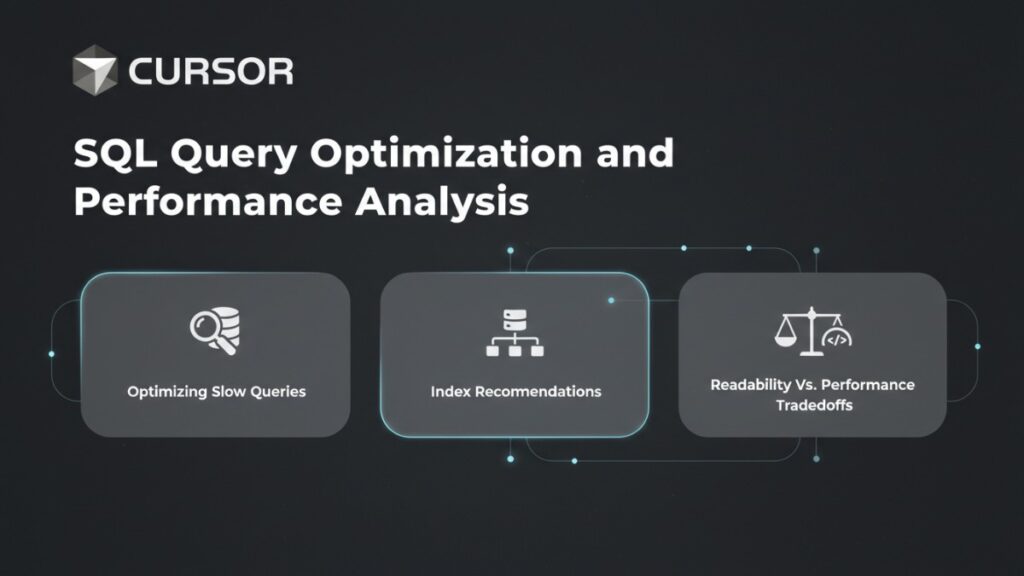
Slow queries are one of the fastest ways to frustrate both developers and users. Even a small inefficiency in a large database can cascade into serious performance issues.
Cursor doesn’t magically fix everything, but it acts like a knowledgeable assistant. It helps you spot bottlenecks, suggest improvements, and make smarter decisions about your queries.
Optimizing Slow Queries
When you highlight a slow query and ask Cursor to analyze performance, it can suggest which joins, filters, or aggregations might be slowing things down.
Workflow:
- Highlight the query suspected to be slow.
- Prompt Cursor to suggest optimizations, such as rewriting joins or filtering earlier in the query.
- Review and test changes in a safe environment. For performance changes, also compare execution plans (EXPLAIN) and runtime metrics before and after, not just whether the query returns the correct rows.
For example, a query scanning a large table without a WHERE clause may be flagged. Cursor might suggest adding a filter or refactoring subqueries to reduce the number of rows processed. This approach lets you improve performance while preserving the query’s logic.
Index Recommendations
Indexes can dramatically speed up queries, but adding them blindly may backfire. Cursor can analyze your schema and queries to suggest where indexes might help.
Workflow:
- Provide Cursor access to schema and queries.
- Ask for index suggestions on frequently filtered or joined columns.
- Review and implement recommendations, testing performance before production deployment.
For instance, a JOIN on a non-indexed foreign key could be slowing a query. Cursor might suggest a single-column or composite index. Always validate improvements by measuring query runtime.
Readability Vs. Performance Tradeoffs
Optimized queries are not always easy to read. You need to balance clarity with efficiency.
Workflow:
- Highlight a query that is hard to read but critical for performance.
- Ask Cursor to rewrite it in a cleaner structure without compromising speed.
- Compare performance metrics before approving changes.
Sometimes splitting a query into smaller CTEs improves readability but slightly slows execution. Other times, collapsing joins speed up the query but make it harder to follow. Cursor helps you weigh these tradeoffs consciously and make informed decisions.
Example Task Comparison
| Task Example | Manual Time | With Cursor |
| Query explanation | 10 min | 2 min |
| Debugging joins | 15 min | 4 min |
| Optimization ideas | 20 min | 6 min |
Note: These numbers are illustrative benchmarks based on example projects. Actual results may vary depending on your database and workflow.
Using Cursor With Schemas, Migrations, and ORMs
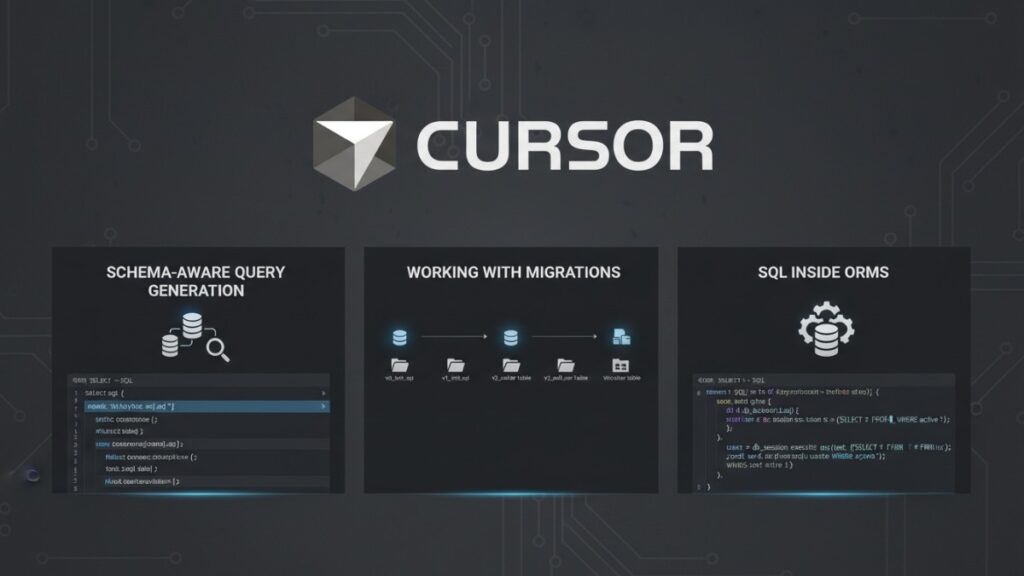
Managing schemas, migrations, and ORM queries can get messy quickly, especially in larger projects. With the right approach, you can keep everything consistent, avoid errors, and generate queries that respect your database structure.
By integrating your schema files and migration history into your workflow, you reduce guesswork and make SQL writing more predictable. The goal isn’t to replace your judgment but to make repetitive or complex tasks faster and safer.
Schema-Aware Query Generation
Generating queries that respect table relationships and constraints becomes much simpler when your schema is well-organized. Highlight the relevant tables or provide schema definitions, then describe what you need in plain language.
Workflow:
- Provide Cursor access to schema files or SQL definitions.
- Ask it to generate a query referencing specific tables or columns.
- Review the generated query for accuracy and performance.
For instance, if you want all orders along with user details, a structured approach ensures joins follow the primary and foreign key relationships correctly. The generated SQL is ready to review, tweak, and run, saving time while keeping results accurate.
Working With Migrations
Migrations track database changes over time, and the Cursor can reference them to avoid conflicts or suggest updates.
Workflow:
- Include migration files in your project folder.
- Highlight a query or table you want to update.
- Ask Cursor to check dependencies or suggest schema changes.
Suppose a column was renamed last month. Checking migration history prevents runtime errors in dependent queries and keeps your code aligned with schema changes. Highlight queries tied to migrated tables and review them in context to maintain consistency.
SQL Inside ORMs
Raw SQL often lives alongside ORM code, and optimizing or debugging it can be tricky. Extracting queries, reviewing filters, and understanding joins becomes much faster with context-aware tools.
Workflow:
- Open the ORM code files along with schema files.
- Ask Cursor to translate ORM queries to SQL or suggest performance improvements.
- Review suggestions and implement in your codebase.
For example, a slow filter inside an ORM can be rewritten as an optimized SQL query. Cursor provides guidance while you retain full control over your ORM integration.
Best Practices For Cursor In SQL & DB Projects
Using Cursor effectively requires clear prompts, careful validation, and attention to security. Following best practices ensures you maximize its benefits while staying in control.
Prompting Do’s and Don’ts
Clear prompts lead to better suggestions. Always provide context, such as the table, schema, or expected output.
Do:
- Specify the tables and fields involved
- Explain what the query should achieve
- Ask for step-by-step explanations if needed
Don’t:
- Assume Cursor knows live data or unshared files
- Blindly accept suggestions without review
- Use vague prompts like “fix this query” without context
For example, instead of asking “optimize this query”, ask “optimize this query joining users and orders for the last 30 days”. This ensures relevant and actionable suggestions.
Validation Workflow
Review and test Cursor’s suggestions before using them in production.
Workflow:
- Generate or modify a query using Cursor.
- Compare it to your original query and expected results.
- Test the query on a safe dataset or staging environment. For performance changes, also compare execution plans (EXPLAIN) and runtime metrics before and after, not just whether the query returns the correct rows.
- Document changes for future reference.
This workflow reduces bugs and guarantees that you understand every modification. It also builds confidence in using Cursor for larger projects without risking live data or performance issues.
Security Considerations
Cursor works from your local project files for context, but any code or text you include in prompts may still be sent to the AI service. Avoid including secrets, production credentials, or personal data. Follow your company’s data/AI policies, or use an approved enterprise environment.
Tips:
- Avoid exposing production credentials or sensitive data in prompts
- Use anonymized or sample datasets when testing
- Limit write permissions for scripts that Cursor modifies
For example, don’t paste live customer emails or passwords when asking Cursor to analyze queries. Instead, use test data to maintain security.
Following these practices implies that Cursor remains a helpful assistant without introducing risk.
Also Read: How To Use Cursor For Testing and QA?
Final Summary
Using Cursor for SQL and DB projects often means juggling complex queries, migrations, and schema changes. A structured approach and the right tools can make this process much smoother.
By providing clear schemas, organized queries, and migration history, you give context that makes SQL generation, debugging, and optimization faster and more reliable. The goal isn’t to replace your expertise but to assist you in handling repetitive or tricky tasks efficiently.
From translating plain-language instructions into SQL to troubleshooting joins and spotting performance issues, having a guided assistant streamlines your workflow.
With careful review and validation, you can reduce errors, save time, and focus on high-value database tasks while keeping full control over your code.
Speed Up Your SQL Workflow With Cursor
Discover a step-by-step guide to writing, debugging, and optimizing SQL queries using Cursor. Learn how to reduce manual effort while maintaining control and accuracy.
Key Features
- Includes 5 practical workflows for generating, modifying, and optimizing queries
- Get step-by-step guidance for explaining legacy SQL and finding logical bugs
- See examples of index recommendations and performance tradeoffs
- Follow checklists for schema organization, migrations, and ORM integration
- Access TL;DR tips and proof metrics for faster, safer query work
Available as a copy-paste-ready online guide and downloadable runbook pack.
Frequetly Asked Questions (FAQs)
Can Cursor connect directly to my database?
No, Cursor works primarily on local files and project context. You provide schemas, queries, and migration files for analysis. This ensures you remain in control of live data. For instance, you can point Cursor to your schemas/ and queries/ folders, and it can generate or optimize queries safely without touching the production database.
Will Cursor automatically fix my SQL errors?
Not fully. Cursor suggests fixes and highlights potential issues, but you always review and approve changes. Think of it as a guide, not an autonomous editor. For example, if a join is ambiguous, Cursor may suggest a corrected column reference, but you still confirm it matches your database logic.
Can I use Cursor with ORM-generated SQL?
Yes. Cursor can analyze or optimize SQL embedded in ORM frameworks like SQLAlchemy or Entity Framework. It can suggest improvements or translate ORM filters into more efficient SQL. However, you control implementation, Cursor doesn’t modify your code automatically.
How does Cursor help with database migrations?
Cursor can reference migration files to avoid conflicts or errors when modifying tables or queries. For example, if a column was renamed in a migration, Cursor can alert you to update dependent queries. This reduces runtime errors and keeps your SQL consistent with your schema history.